C64 OS USER'S GUIDE
Chapter 9: The Philosophy of C64 OS
The Commodore 64 is a remarkable machine that had an enormous impact on the culture and shaped the lives of many people who were young from the early 80s through to the early mid 90s. The C64 was an inexpensive home computer that first appeared on the scene with extraordinary specifications that provided great value for the money.
Despite the arrival of newer, more expensive and more powerful machines, the Commodore 64 remained a commercial success for over a decade and sold many millions of units.
Part of the on-going appeal of the Commodore 64, now as a retro and hobby machine, is its vast wealth of software: tens of thousands of games, a vibrant demo scene, and a huge array of utilities and productivity packages. Thousands of beautiful graphic images and SID-chip tunes have been created as well, giving the computer a rich history that fills us with nostalgia and keeps us coming back for more.


Today, there are still so many games, demos, graphics and music being produced every year for the Commodore 64 that it's hard to keep up. Together with blogs, print and online magazines, and a plethora of third-party hardware designers and manufacturers, they keep us filled up with games to play, music to imbibe, material to read, and new gadgets to play with, build, hack and enjoy.
But... there is an opportunity for so much more.
We here at OpCoders love the C64 so much that we want to spend even more time with it. We want to explore more of the world, fulfill creative impulses, and bring more value to the many hardware expansions we've acquired. We want to share and communicate more easily with friends and other users, but most of all, we want to do this while enjoying the warm glow of our Commodore 64.
Let's see how C64 OS helps accomplish these goals.
A brief history of early home computing
A lot has changed over the decades since the Commodore 64 first became available. Home computers in the late 70s and early 80s were imagined as low-cost microprocessor-based versions of the mainframes and minicomputers that powered the world of business, science and government.
Study the past if you would define the future. Confucius
Output to paper
Computer output during the 50s, 60s and most of the 70s was to a roll of printer paper and that was a hard mindset to break. When computers first started using video display terminals and later acquired video controller chips, these virtualized the essential behavior of that continuous roll of paper. All software up to that point was written to function with printing as the only output.
BASIC assumes paper model
That's why the BASIC command to put some text on the screen is called print. It's why the screen editor built into the C64's KERNAL ROM behaves just like a video display terminal; new text gets added to the end, until it reaches the bottom of the screen, and then the screen scrolls up and off the top to make room for more to be added to the bottom. The whole model of BASIC and the screen editor is based upon a vision of human-computer interaction that was limited by the hardware constraints of the preceding decades.
A new paradigm
But home computers aren't limited to printing their output; they do have screens. And those screens are capable of much more than fullscreen continuous scrolling output. It took a lot of experimentation with different models of interaction and a lot of research at places like Xerox PARC1 to develop the graphical user interface. The graphical UI is a non-linear interaction mode, in which objects are moved in a two-dimensional space and the new layout is computed and painted to the part of the screen that has changed. Today, this is second nature, but at the time it was revolutionary.
Invasion of the graphical UI
By the mid-80s a new crop of home computers appeared and they had all adopted the graphical user interface. The Amiga, the Atari ST, the Macintosh, and others. But all three of these systems were built on a new generation of processor, the 16-bit 68K series from Motorola. And they were all more expensive than the Commodore 64, some of them a lot more expensive.


An 8-bit response
In response to the new wave of higher-end personal computers, Commodore began bundling the C64c with a new 8-bit graphical operating system from Berkley Softworks called GEOS. They also introduced the 1351 mouse as an optional add-on that can be used in GEOS and which looks remarkably like the Amiga's so-called tank mouse.
GEOS was an incredible accomplishment, a marvel of technical engineering. A graphical operating system with proptionally sized fonts and a word processor and painting application bundled in that runs at a mere 1MHz, in 64 kilobytes of RAM, from a single 5.25" floppy disk drive. If it weren't true, you would hardly think it possible.

The harsh reality
For all of GEOS's accomplishments, its shiny surface and slick screenshot appeal veil some unfortunate underlying realities:
1. The 1541 disk drive's lack of a robust file system required the development of the VLIR file format. It was a clever innovation at the time, but it suffers from general incompatibility with non-GEOS software. It ties the OS at a low-level to highly specific traits of disk drives that are thousands of times less capacious than what is now available. It doesn't take advantage of modern storage devices, and even third-party upgrades offer only modest improvements in support for newer devices.
2. Many of the most innnovative features of GEOS, such as dragging and dropping icons on the desktop, selecting text in different fonts for cut/copy/paste in GeoWrite, access to desk accessories from the GEOS menu, the display of the date and time, and much more, are not provided by the OS proper. These features are coded directly into the suite of first-party applications. Building them into your own applications requires serious coding effort.
3. And lastly, the bitmapped nature of the GEOS user interface is frustratingly slow. Redraws take considerable time and consequently most things on screen are statically positioned and unmovable. The position of each individual menu, for example, is predetermined and then hardcoded. Although the notepad-like interface of the desktop looks like a window, it only appears as such and cannot be moved. In order to speed up redraws to be acceptably usable, the bitmapped screen makes use of a bitmapped buffer. 16KB or fully 1/4th of the C64's total memory is taken up by bitmap data buffers alone.
Different goals for a different era
None of this is to criticize GEOS. It is a wonderful achievement. However, its goal was to make the C64 strive for parity with features available on machines that had significantly more horsepower. For example, a bitmapped UI—although it consumes RAM and makes the interface sluggish—was essential to accomplish a WYSIWYG word processor, paint program and desktop publisher with proportional fonts and clipart.
But the era of producing printed documents on the C64 is behind us. The kids today have never even heard the acronym WYSIWYG. What-you-see-is-what-you-get... means what you see on the screen is what you get on the sheet of paper. There is a lot more to personal computers today than producing pieces of paper.
C64 OS does not eschew the history of the Commodore 64's rich library of software. If you want your C64 to produce a document with multiple proportional fonts and print it to a sheet of paper, there is no better way to do this than in GEOS. So, for the couple of times a year when you may need to do that, why not just boot GEOS? C64 OS will not be offended. Meanwhile, this allows us to put the Commodore 64's scant resources to use solving more modern problems.
Balances and tradeoffs
C64 OS aims to strike a balance between features that are useful and expected by modern users, while remaining true to the Commodore 64 and its humble specifications.
At just 1MHz and only 64KB of memory, everything on the C64 is a fine balance; everything is about tradeoffs and compromises and figuring out ways to accomplish tasks with what we have.
Art lives from constraint and dies from freedom André Gide
User Interface
A graphical user interface, one that uses a mouse for its input and allows you to click on buttons and controls in any order, is a modern necessity. Hierarchical pull-down menus are also an indispensible ingredient. They save screen real estate, provide a hook for keyboard shortcuts, and make an application's features discoverable.
But a user interface drawn in the C64's HiRes bitmap mode occupies too much memory and takes too much CPU time to be sufficiently fluid and responsive for today's expectations.
Response:C64 OS's primary UI is drawn in text-mode with a custom character set for adding the necessary graphical flourishes. The memory saved and the speed gained allows room for the implementation of an object-oriented widget toolkit. Standard controls like splitters can be dragged with live redrawing of the content on either side of the split. Proportional scroll bars can be dragged and lists, tables and text scroll in realtime.

Multitasking
A C64 has only 64KB of memory, runs at 1MHz, and has a single stack of just 256 bytes at a fixed memory page. Numerous projects have demonstrated that it is possible to implement a pre-emptively multitasking kernel for the 6502. The reality is that the 6502 was underpowered the day it rolled off the assembly line. It cost just $25 and was primarily suited for low-cost entry-level home computers. As the expectations of the user have grown, the capability of the 6502 to meet those requirements has shrunk.
Further subdividing the resources of the 6502 into numerous tasks means each task gets less memory, less CPU time, less storage I/O bandwidth, and less screen real estate than programs had when they were written to use the whole machine.
Response:C64 OS embraces the Commodore 64's heart and soul as a single-tasking computer. Each Application gets the full screen, the full stack, the full CPU, full access to the CIAs, full I/O bandwidth to storage, full access to the SID chip, etc.
But C64 OS provides dynamic memory allocation and allows any Utility to run concurrently with any Application. These few concessions bring much of the benefit of multi-tasking with virtually none of the downside. An Application and a Utility work together as though two parts of the same program. But Utilities are reusable allowing Applications to defer common functionality to these small programs that can be called up from inside other Applications.
Task Switching
The operating system, with one Application and its data, and optionally a Utility, easily occupy the majority of a Commodore 64's memory. Storage bandwidth is relatively slow. It typically requires several seconds for the current Application to save its state and data and then several seconds more for the next Application to load in.
With conventional C64 software, resetting or power cycling the machine is usually required before loading the next program. Moving between Applications in C64 OS is a major step up from this but is still slower than what a modern users want.
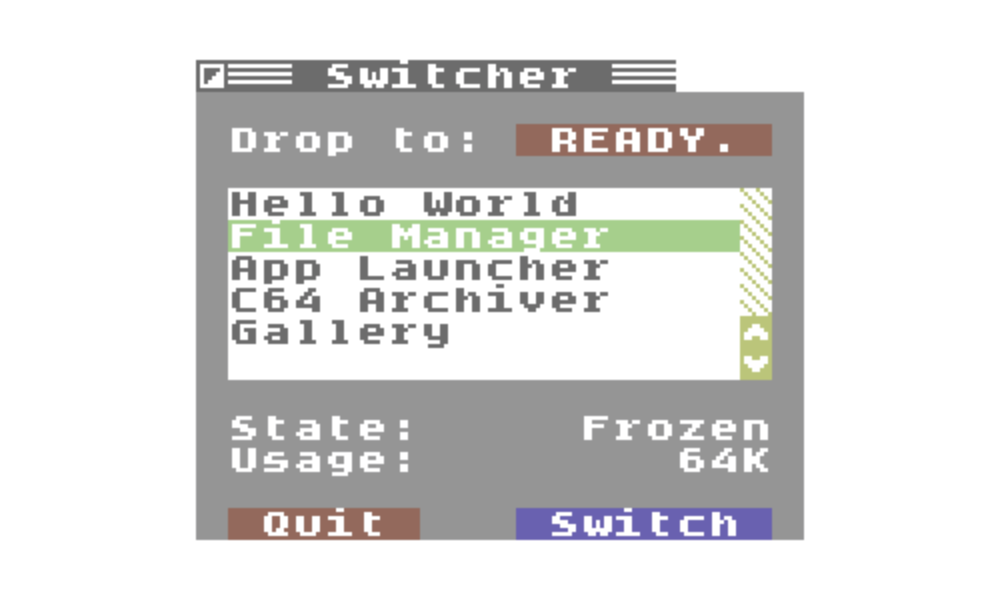
Response:The Commodore 64 was designed to accept expansion hardware devices. Commodore themselves released RAM Expansion Units as early as 1986. Memory bandwidth to an REU is almost 1MB per second. If an REU is available, the Commodore 64 has the ability to exchange its entire memory contents with an external RAM buffer in around 1/8th of a second.
C64 OS v1.0 laid the groundwork for Applications to be frozen and banked to an REU and then later to be restored to main memory and woken back up. Fast App Switching2 became fully realized in C64 OS v1.05 and allows for switching between Applications with incredible speed, further diminishing the need for pre-emptive multitasking. 17xx compatible REUs are available in a number of formats.
Graphics
Proportionally sized fonts have turned out to be less important to the future than standardized networking protocols, text-based mass communications, and multiple means of representation. This is a benefit to the C64 because there is now a greater focus on the content of a message—and on making it available to multiple devices—than on a canonical presentation.
Nonetheless, the ability to see pictures (a person's face, a company's logo, the shape of a country), to visualize information (a 7-day forecast, a scatter plot), to display animations, panoramas and interactive images, or to show the graphics of a mixed media game (a chess board, an overhead map, the scene from an adventure), access to bitmap graphics in certain circumstances is still indispensible.
Response:C64 OS has built-in (at the level of KERNAL + Library) support for raster splitscreen and fullscreen graphics modes. The split can be configured by dragging the status bar, fullscreen graphics mode can be toggled with a globally configurable keyboard shortcut, and both can be managed programmatically.
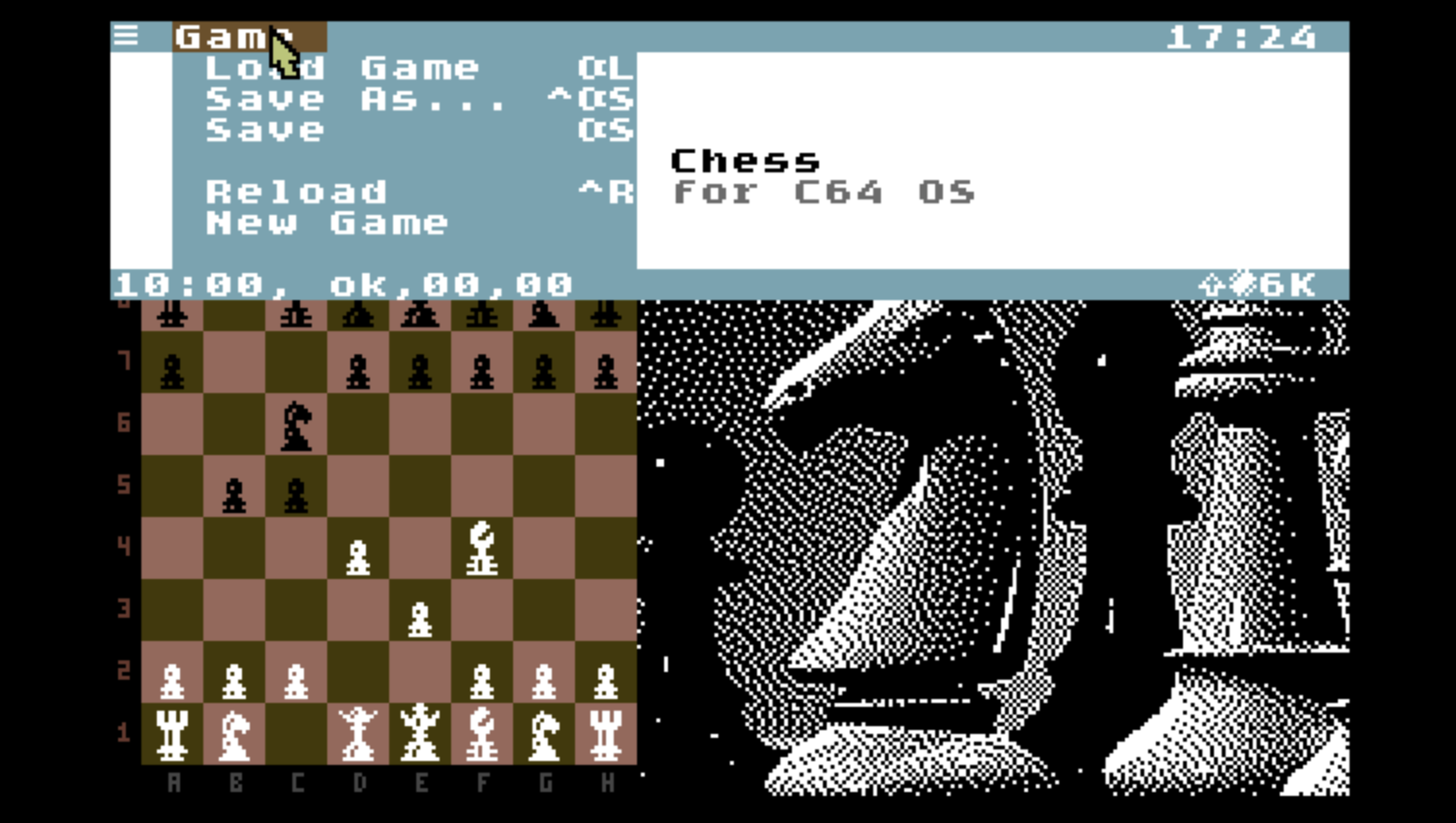

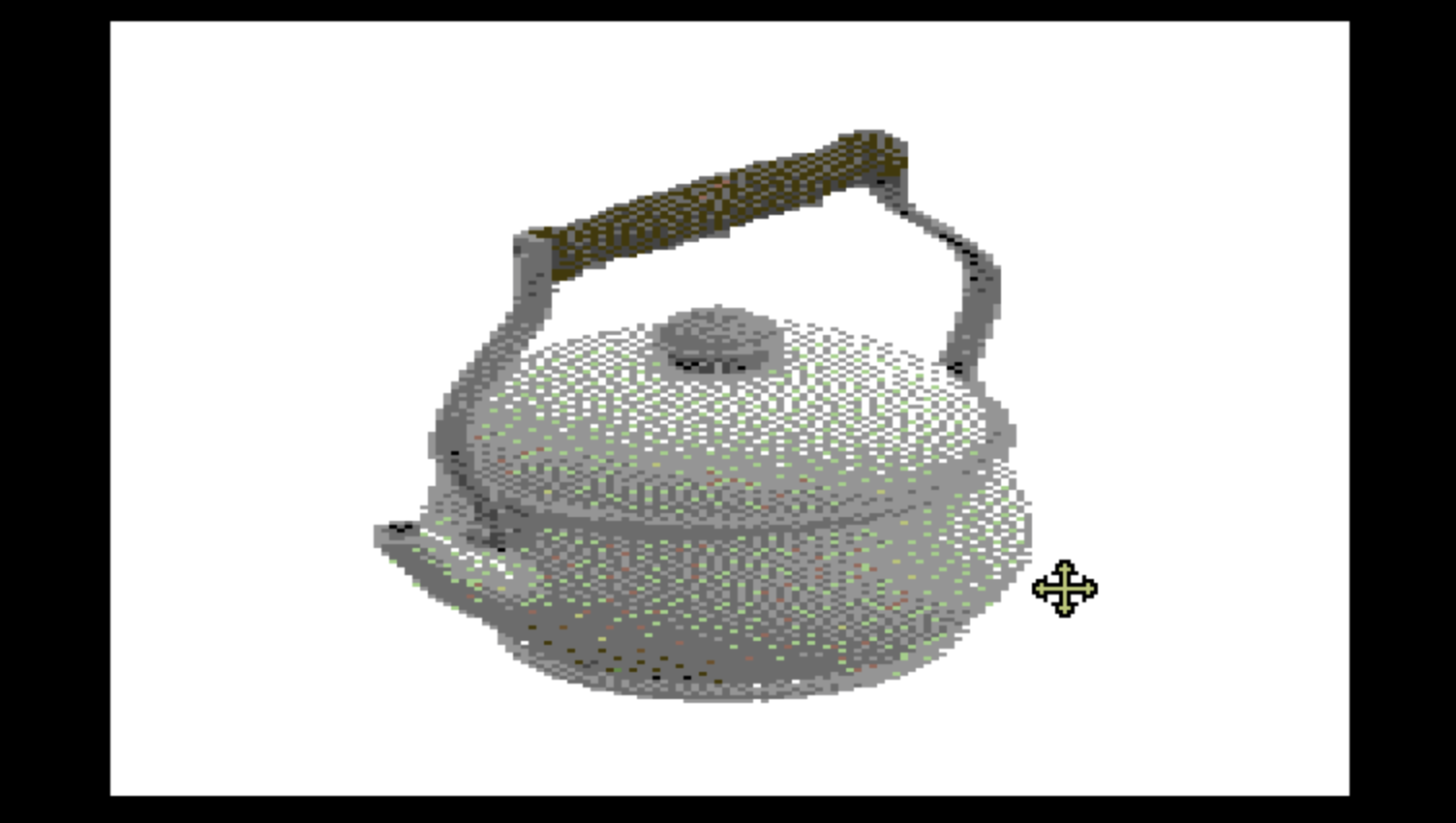
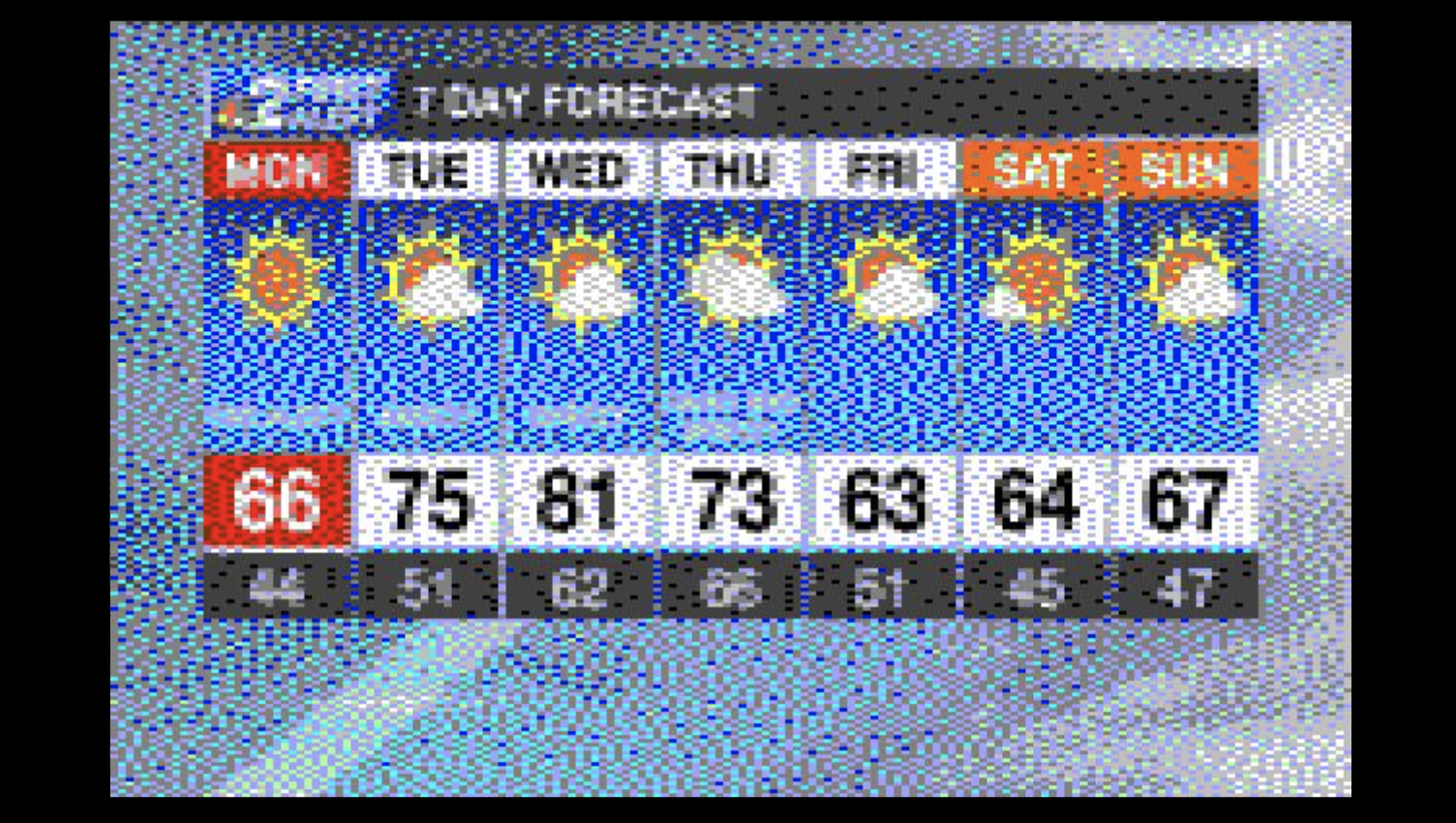
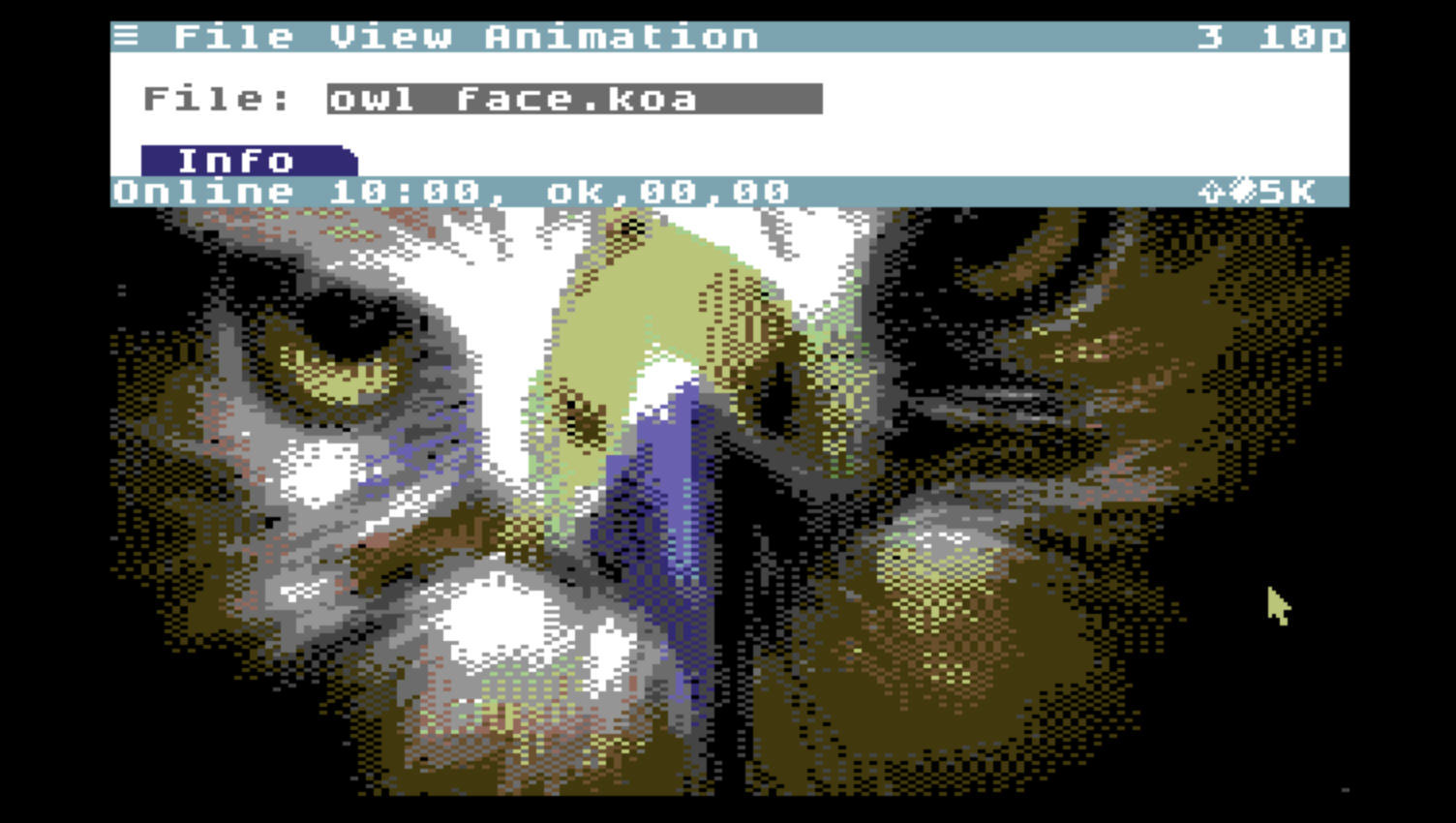

The mouse is still active in graphics and splitscreen mode. Mouse and keyboard events are routed through both the text-based Toolkit user interface and the graphics screen. This allows text-based UIs to respond quickly and consume very little memory, while making it easy for any Application to employ graphical imagery and interactive bitmapped content however and whenever it's useful.
Storage and Devices
Although a Commodore 64 + 1541 Disk Drive is the canonical pair for most C64 games and demos, C64 OS aims higher. A Commodore 64 is capable of much more when paired with a faster, higher capacity storage device.
If a C64 only has access to a cassette drive or a single floppy drive, it scarcely needs an operating system. To make the most use of a more modern storage device, though, an operating system quickly becomes essential.
Response:Nearly the complete range of mass storage devices ever available for the C64 are available today, ranging from the inexpensive SD2IEC to the luxury RAMLink. On a mass storage device you can store huge files and lots of them, organize them in partitions and subdirectories, enabling an entirely different class of modern productivity.
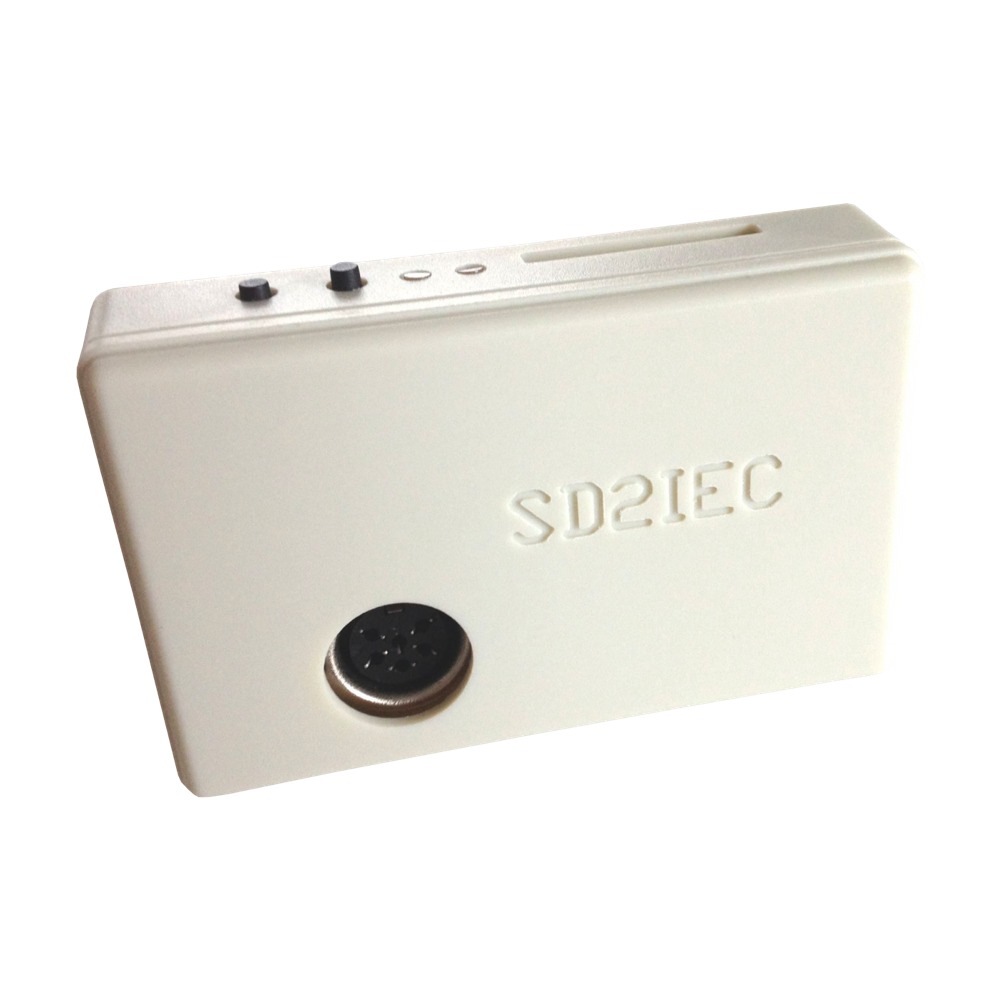
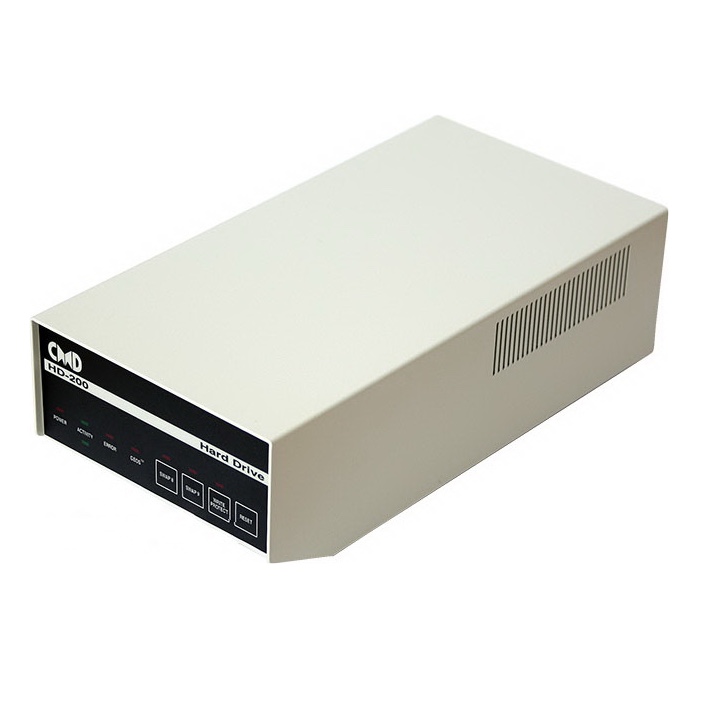
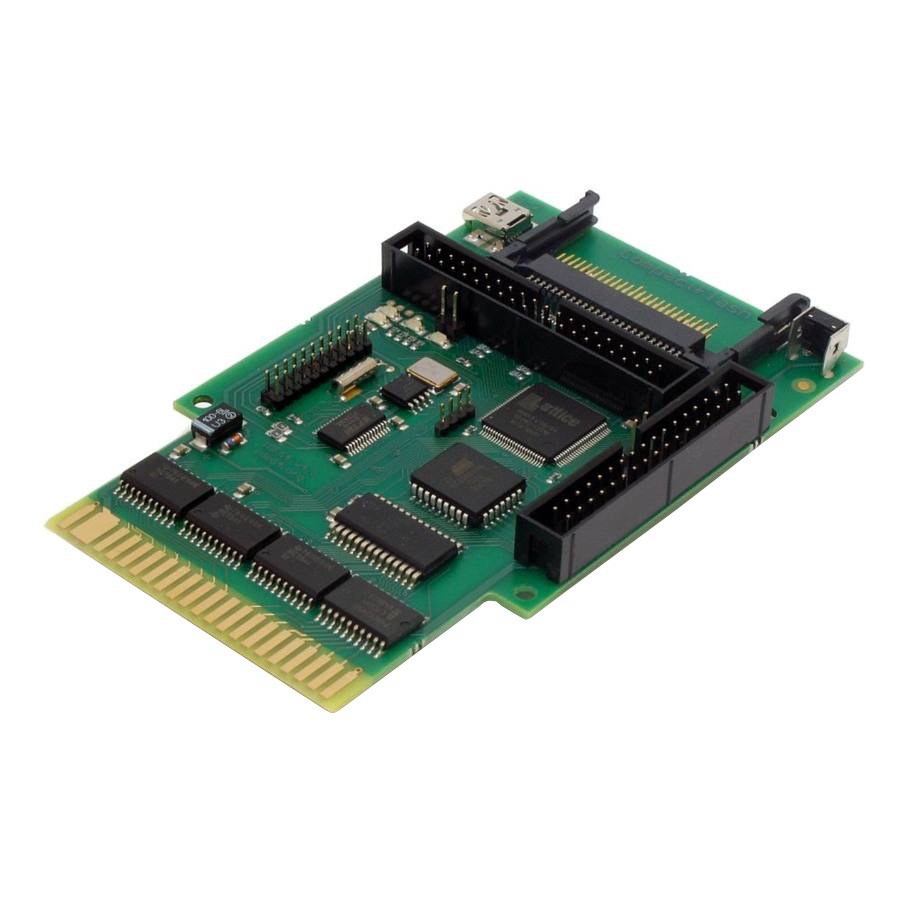
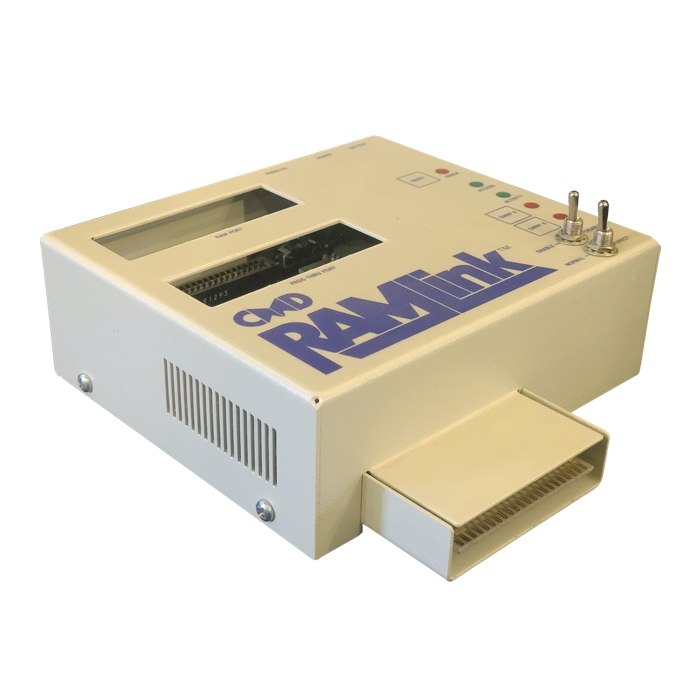
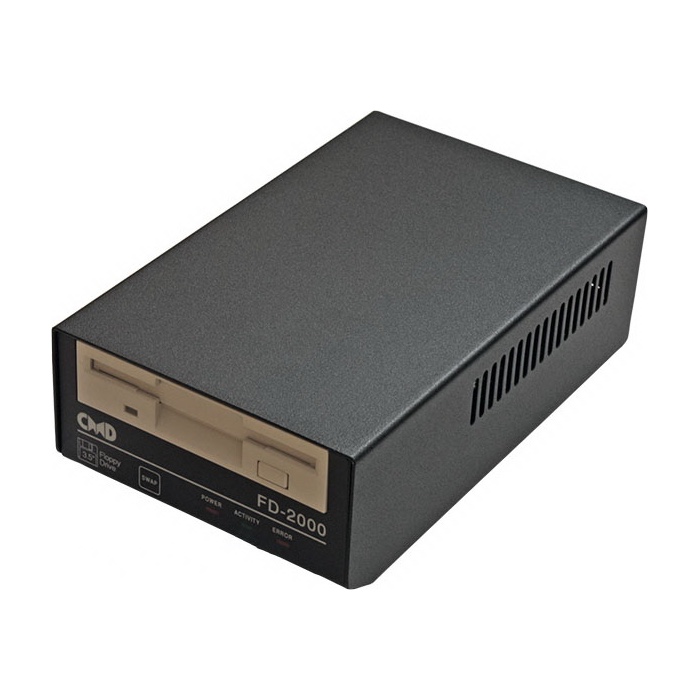
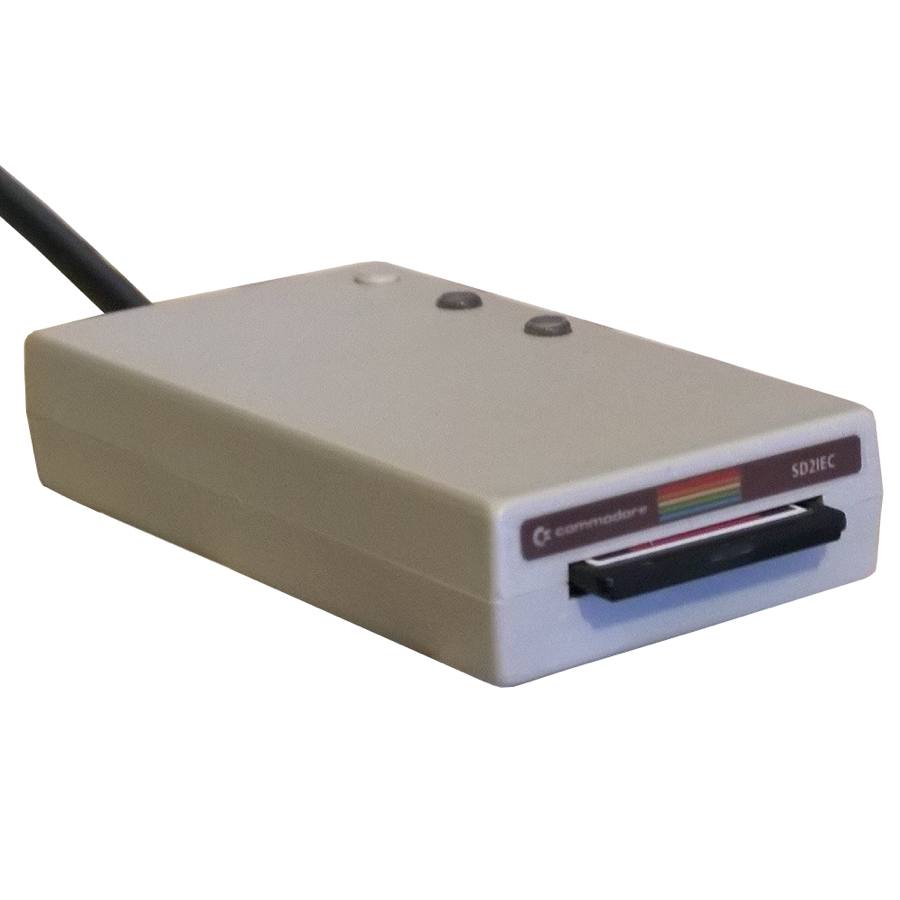
C64 OS doesn't just require a mass storage device, it was built specifically to get the most out of mass storage on the Commodore 64. C64 OS has features for quickly navigating around huge file systems and multiple devices. It can move and copy whole directory trees around and between devices of different types. Applications are bundles that store their resources as files, but tucked away out of sight. Libraries, drivers, and user interface classes have their own home. And the system is always aware of where everything is located, because it understands modern file systems at its center.
C64 OS is to KERNAL what Workbench is to Kickstart
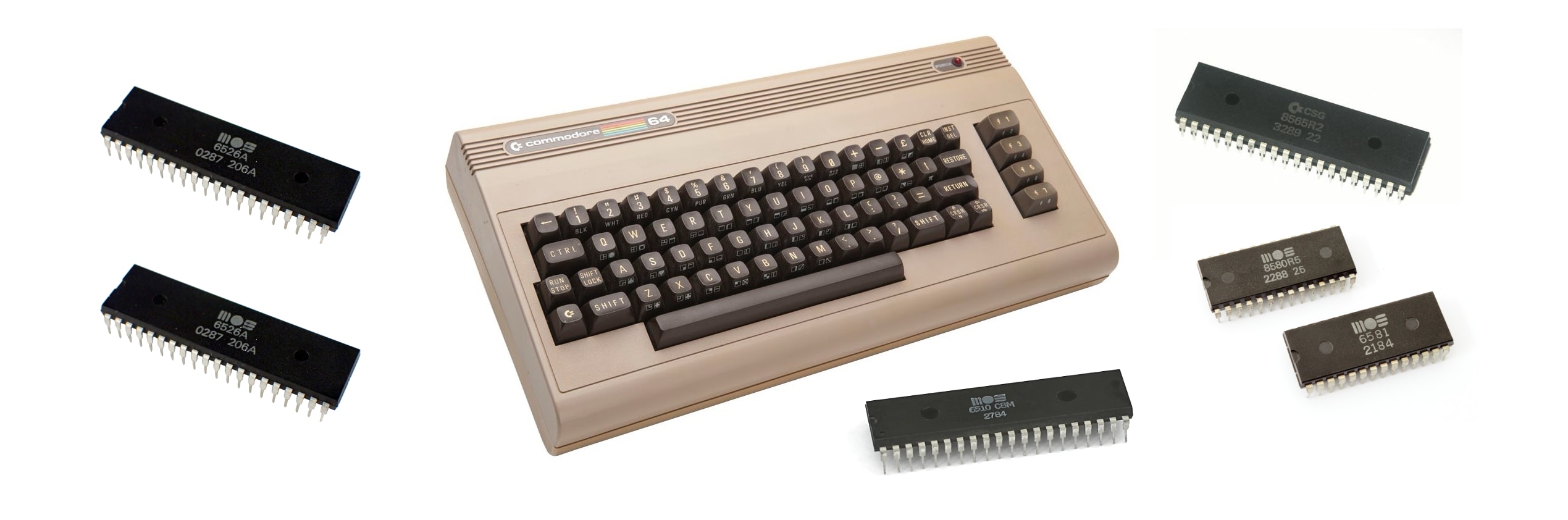
Computers in the 1980s came with a good chunk of their operating system installed on a ROM chip. The classic Macintosh has its Toolbox in ROM. The Amiga has its Kickstart in ROM. And Commodore 8-bit computers, like the VIC-20, C64, C128 and others have their KERNAL in ROM. The ROMs provide essential software for driving the hardware and doing low-level tasks, but require software loaded from a storage device to provide the rest of the experience.
The classic Macintosh requires a system boot disk to load the Finder. The Amiga needs a disk to load Workbench. C64 OS is to the KERNAL ROM what Amiga Workbench is to the Kickstart ROM.
Response:Most games on the Amiga make use of the Kickstart ROM but don't use or need Workbench. Similarly, games on the C64 can make use of the KERNAL ROM, but they have no need for a desktop-like user interface.
Booting into C64 OS, with its mouse, menus and object-oriented user interface, is analogous to booting an Amiga into Workbench. Games and demos are free to take the whole machine, but for everything that can benefit from a point-and-click interface, a network stack, advanced memory management, and powerful file management, there's C64 OS.
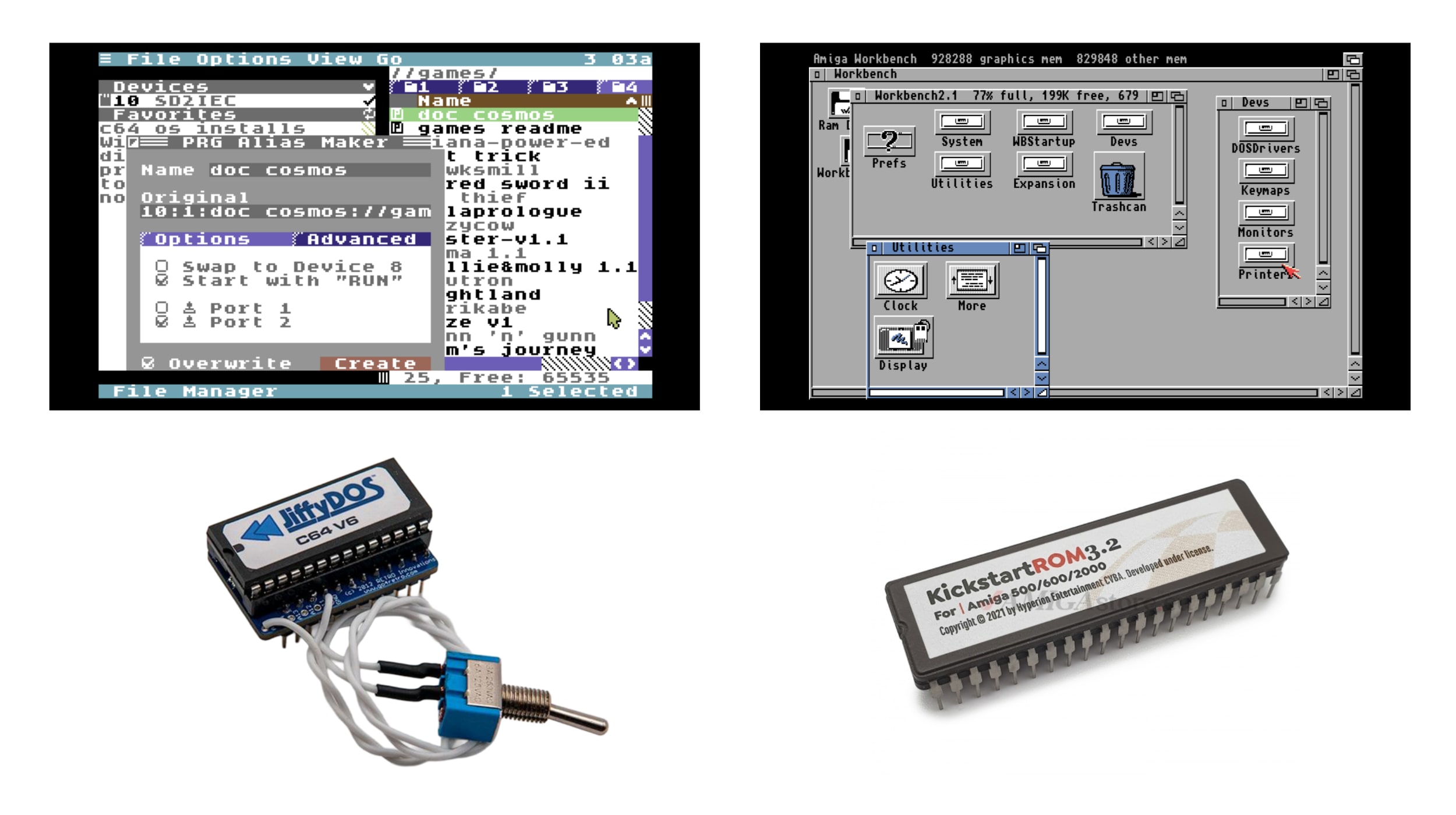
While newer versions of Workbench require newer Kickstart ROMs, the original KERNAL remained standard on the C64 throughout its run.4 Upgrading the KERNAL ROM was much less a part the C64's history than it was on the Amiga and for this reason C64 OS is capable of running on an original KERNAL.
However, there are in fact KERNAL upgrades that are analogous to Kickstart upgrades. JiffyDOS is a highly backwards-compatible KERNAL ROM update to the C64. JiffyDOS also went through a few revisions and the most recent version is 6.01. Although C64 OS proper works with a stock KERNAL ROM, disk access is slow and not all of the included tools and extras work without JiffyDOS.
Upgrading to the JiffyDOS KERNAL in your C64 is similar to upgrading the Kickstart ROM in your Amiga. It is highly recommended.5
Networking
One of the principle reasons for developing C64 OS was to provide a more modern platform upon which to write network-oriented applications. The long-term goal, though not exactly in their modern form, is some equivalent to an email client, an instant messenger, a file transfer program, a news reader, a group chat client, an software store, and a web browser.
Before networking applications can be written, the C64 needs network access. But there are many kinds of networking device, and they all provide a different low-level interface. The networking device landscape is fragmented, and a considerable amount of work is required to make most devices work reliably.
Raw ethernet adapters have been around for years, but they handle only the hardware layer of networking. To use these, TCP/IP packet handling has to be implemented in software on the C64. This is a complicated task that requires CPU time and memory, both of which the C64 has in extremely short supply.
Response:The philosophy of C64 OS is not just to demonstrate what can be technically achieved on a C64, but to give us practical help to enjoy a more modern digital lifestyle with our beloved Commodore 64.
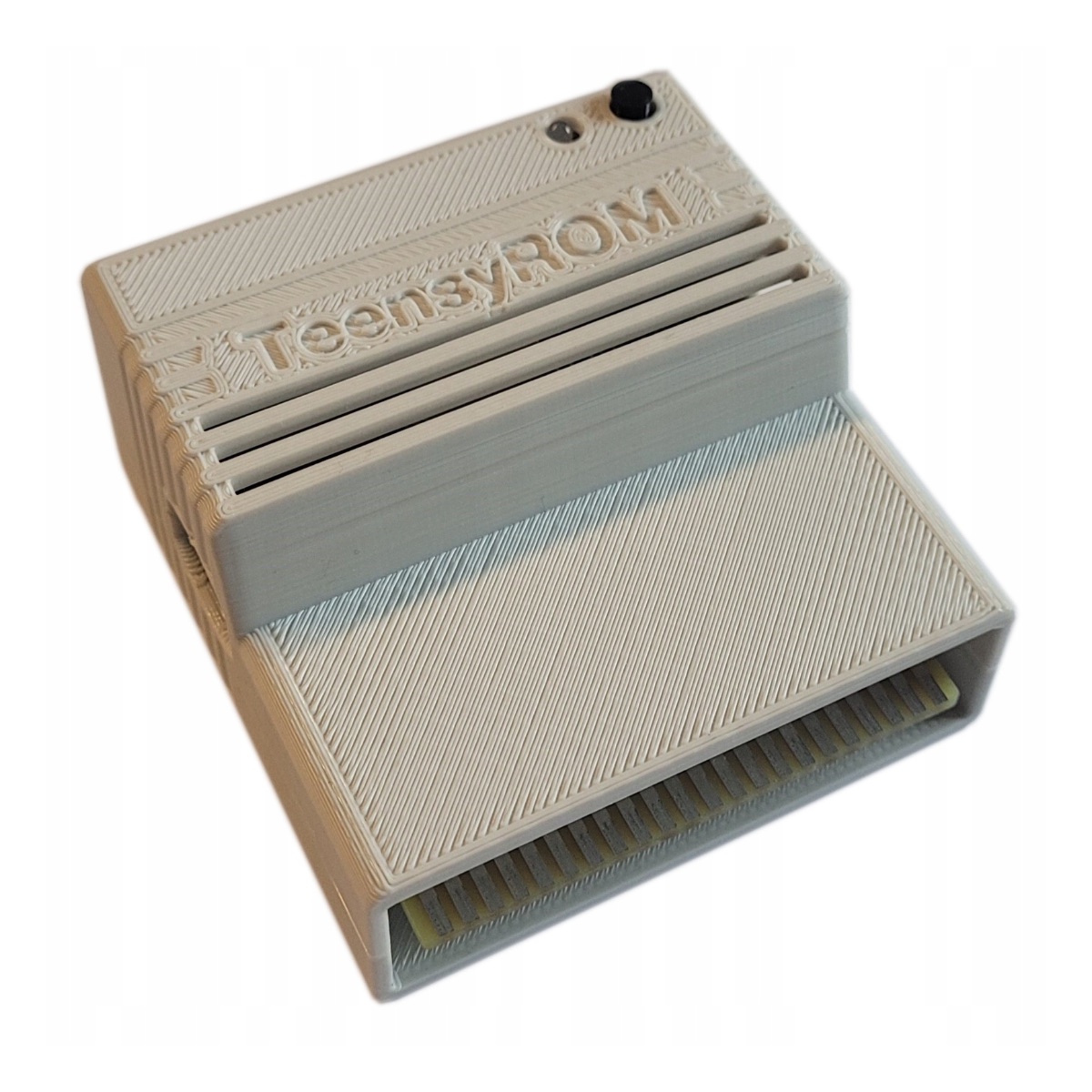
WiFi and ethernet modem emulators are the baseline for networking hardware, not raw ethernet network adapters. WiFi modems make it easy to connect a C64 to ubiquitous wireless networks. Secondly, modem emulators perform all of the TCP/IP processing on behalf of the C64. This relieves the C64 of that burden, giving it more memory and CPU time to focus on handling data in C64-sized chunks. For similar reasons, the C64 has always relied on smart storage devices. Using a smart networking device just makes sense.
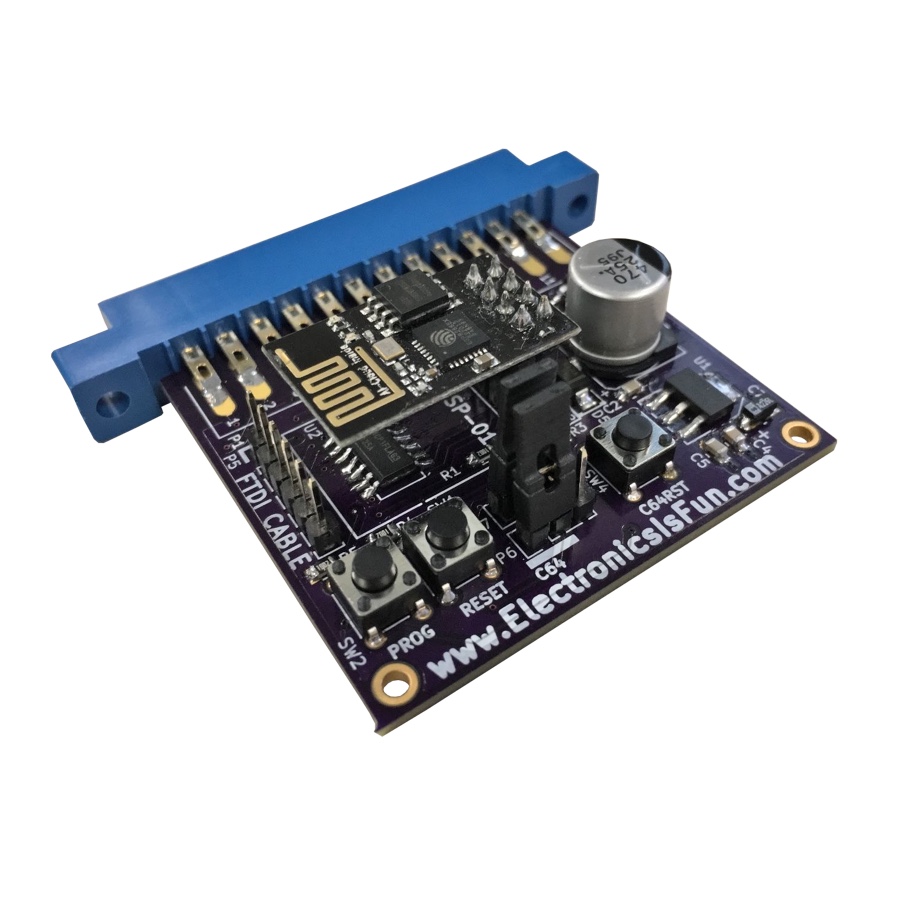
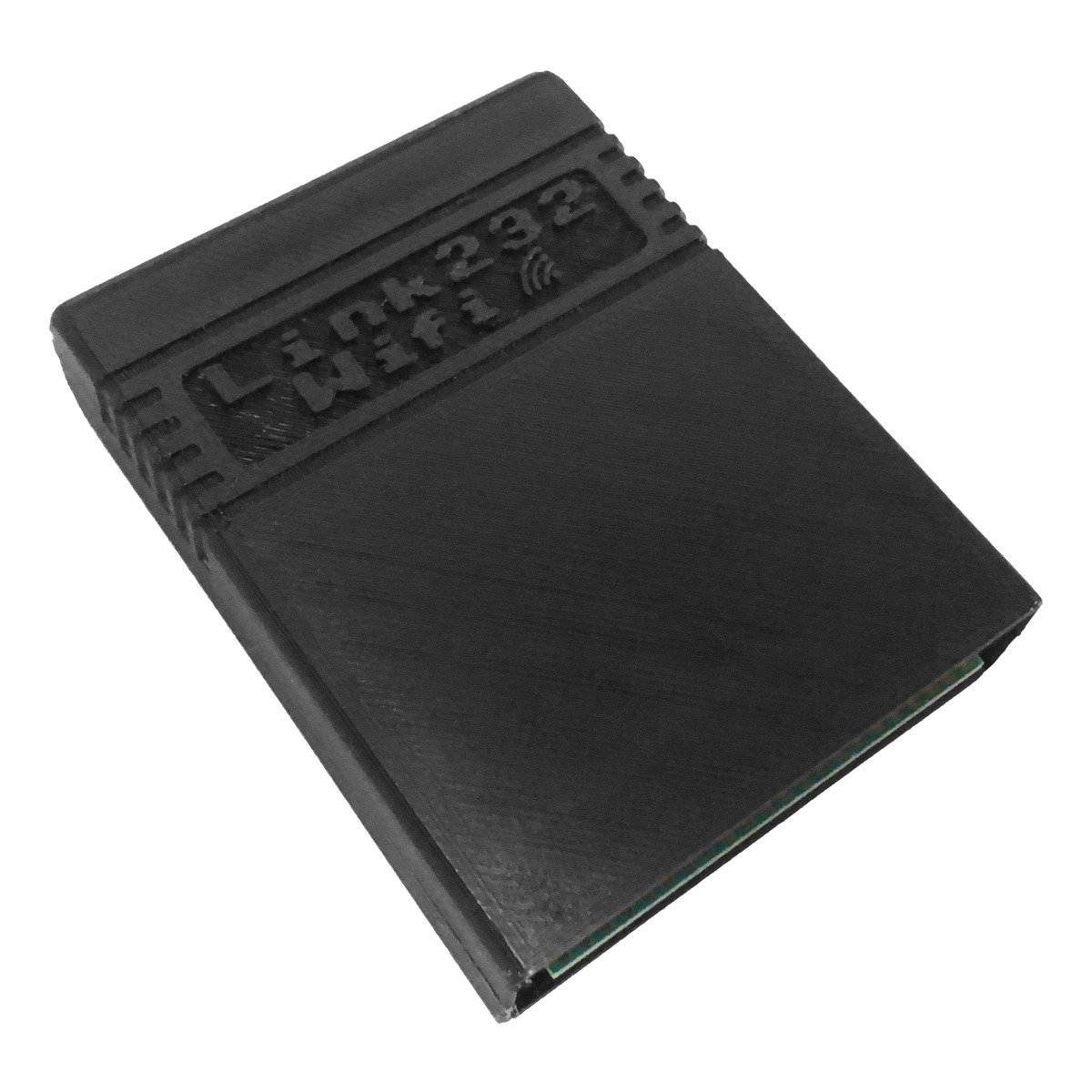
Network Proxy Services
TCP/IP is a complex protocol. While there are advantages to having the smart networking device do the work for the computer, it also removes some flexibility and control from the computer. Additionally, the mere ability to connect to modern networks and to make TCP/IP-based socket connections is not enough. Modern network services expect the computer at the other end to be able to handle massive quantities of data.
It is common for just the base HTML page of a websites to be hundreds of kilobytes. Each image file might be hundreds of kilobytes to megabytes and compressed with advanced techniques only to encode image data that the C64 is unable to display, either in resolution or color depth.
Even with IRC, a protocol built for computers from long ago, many servers send a welcome text that is hundreds of kilobytes. Modern services simply have no regard for computers with limited resources. This makes the experience of using modern services on a C64 either terrible or impossible.
Response:The first problem is addressed by the Commodore Network Protocol (CNP). C64 OS implements a socket-based packet protocol that is like a light-weight version of TCP/IP. It runs overtop of a the real TCP/IP handled by the network hardware. Different hardware devices are supported with drivers, and C64 OS Applications access network services through a standard socket API.
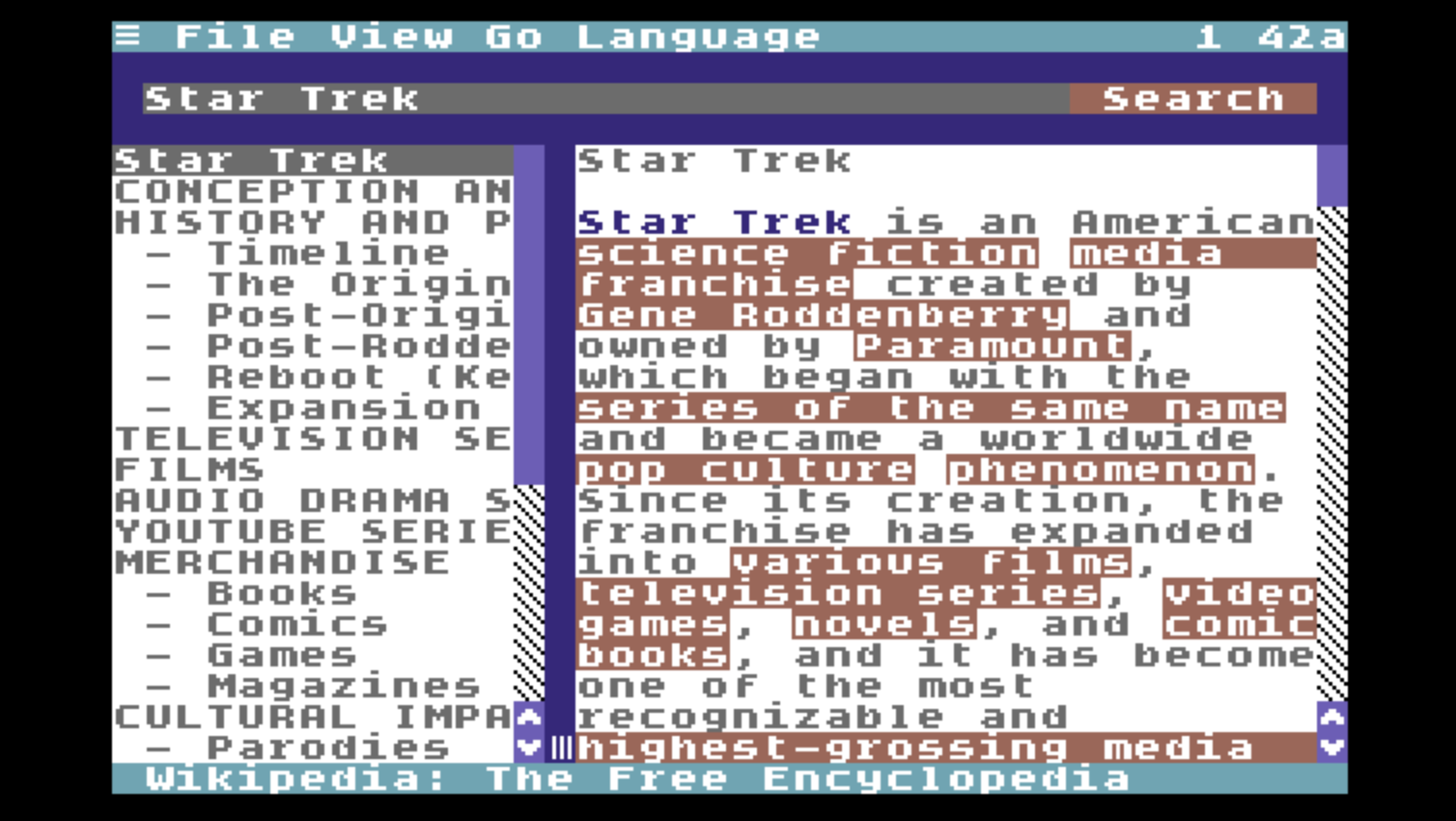
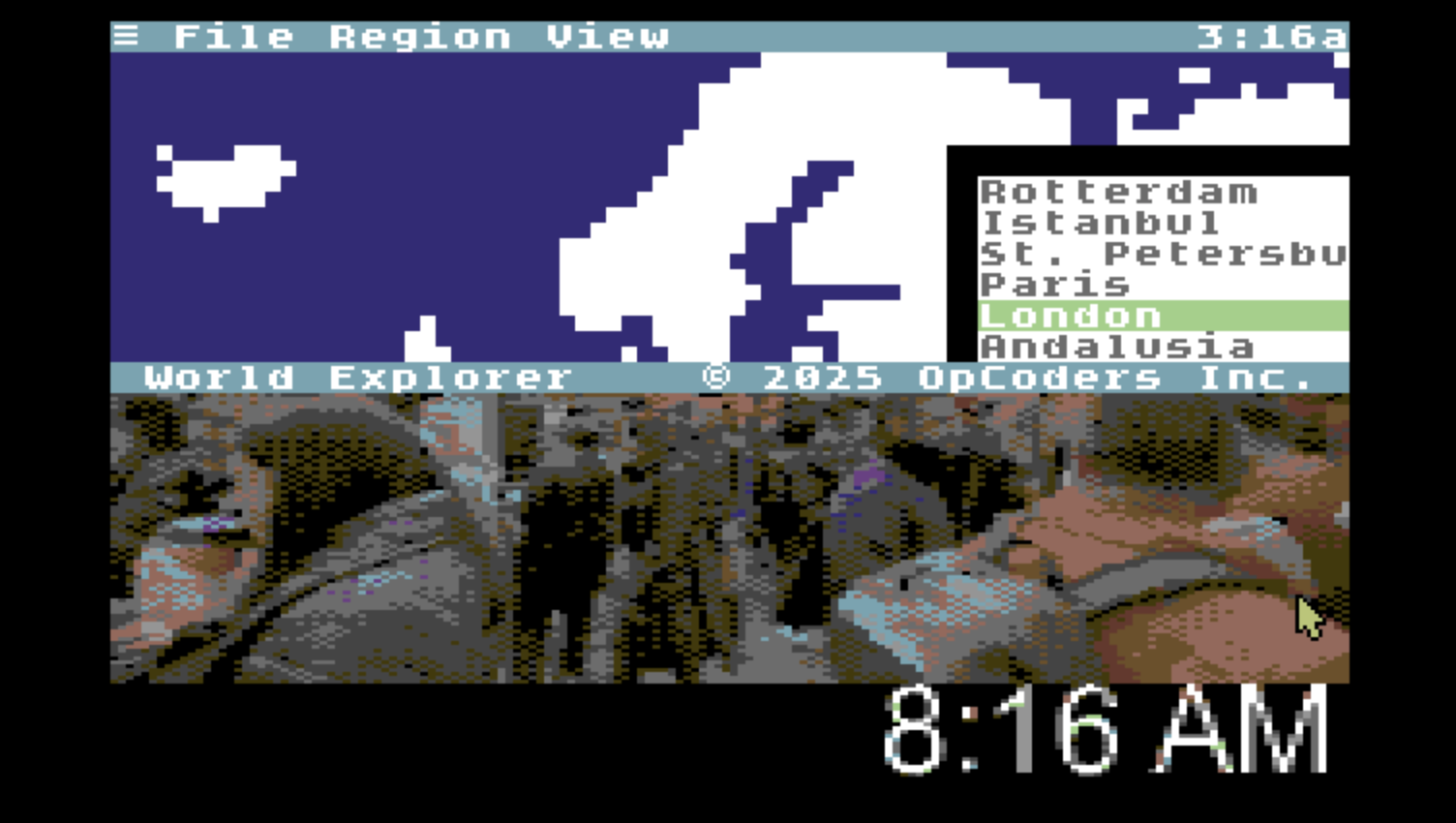
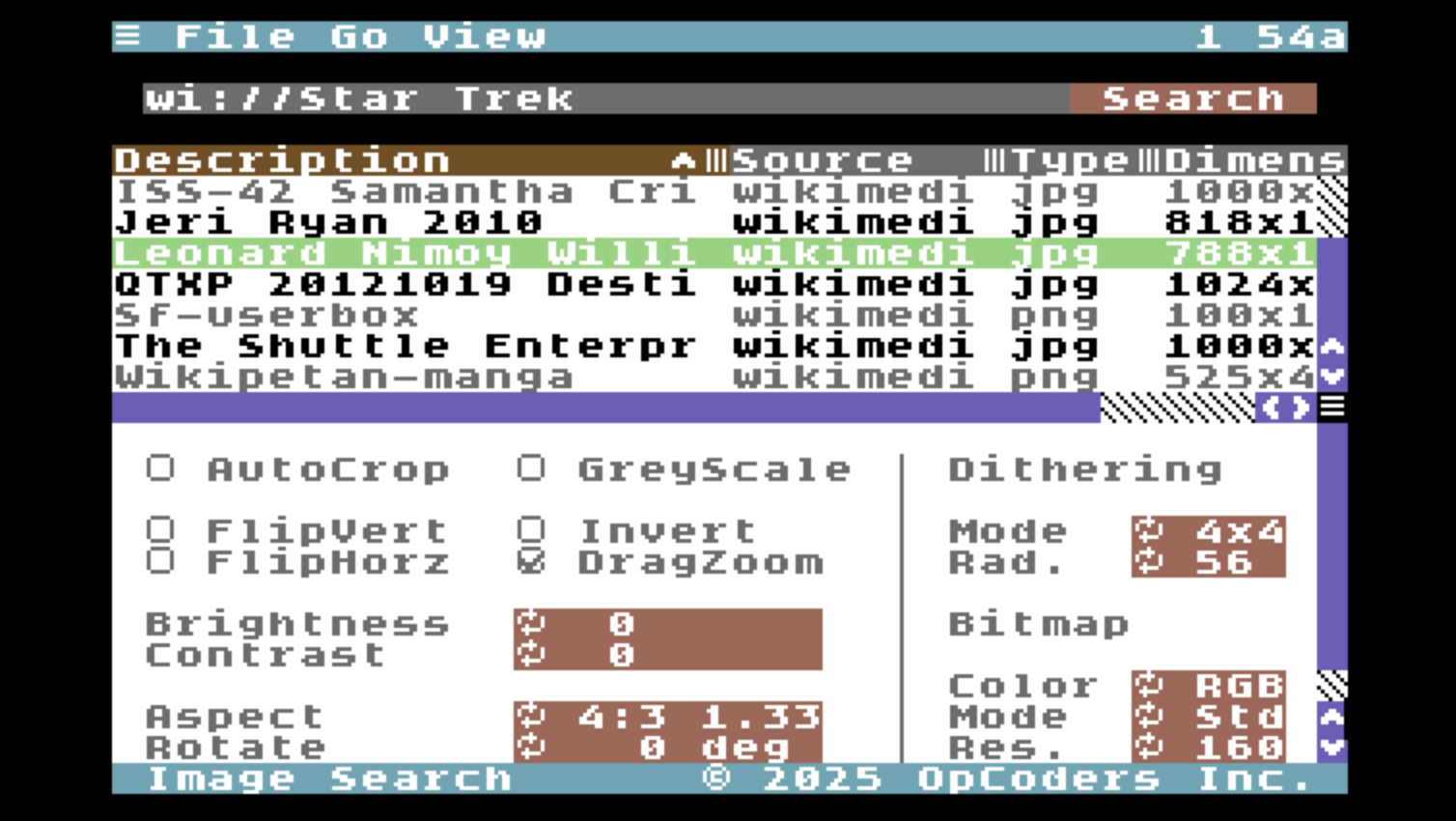
The second problem is addressed through the use of a suite of low-bandwidth network proxy services hosted at services.c64os.com. Many are open source so they can be hosted elsewhere. Image conversion, HTML conversion, and other services, take modern resources and scale them down, in the cloud, to make them consumable directly and efficiently by a C64.
Do more with a Commodore 64
C64 OS enables you to do more with a Commodore 64, in a more consistent, modern and easy-to-use manner. To understand the role that C64 OS plays, let's look at what it's like to use a C64.
What is it like to use a C64?
After spending 25 years away from the Commodore 64 using modern computers to get stuff done, one of the most shocking discoveries is that a huge number of mundane tasks that are trivial on a Mac or PC are either impossible or extraordinarily inconvenient on a C64.
Not just the obvious things; No one expects to transcode 4K video using a Commodore 64. But simple things that, in principle, the computational resources of a C64 should be able to easily handle, are in fact not easy at all. In large part this is due to a lack of standard software to do these tasks, not because they can't be done.
Take notes
You're looking at something on the screen, and you want to jot down a note about it.
Maybe copy something and paste it into the note.
Search for a file
You're certain you've got a file named something, but you can't remember where you
filed it away. What partition was it? What directory?
Move a directory
You created a directory with some subdirectories to organize your files on a CMD HD,
but you'd really like to move that whole directory to an SD Card.
Message a friend
You want to dash off a quick message to a friend, to wish them a happy birthday or
tell them you're going to a show, or just say hello.
Check the weather
You've got the day off in three days, it would be nice to if it's going to be
raining. Will the day after that be any better? Will it be windy?
Take a screenshot
You just lost at solitaire, or you had a hilarious interaction with Eliza. It would be
great to capture that in a screenshot to share with someone later.
Set an alarm
You want to sit down and meditate for 10 minutes. You should set an alarm to
let you know when you're finished.
These are just basic things. Things that people think of using a computer to do. And there are thousands of these kinds of simple everyday tasks. C64 OS can do some of them already, and anything that it can't do yet is on the list.
Some of these can be done with a variety of old software, but you have to know what you're looking for. And when you find it, like say, a text editor or a file search program, you have to leave behind what you're doing to run them, which often defeats the purpose. And their user interfaces are all wildly different.
There are other problems besides not being able to find the software you're looking for.
Here's a scenario that's just all too common. Download a self-extracting program on your PC and copy it to your C64 with an SD Card. Your SD2IEC is on device 10 and you've got a CMD HD on device 8. When you load and run the file from the SD2IEC it just starts performing activity on the CMD HD without warning.
Why did it do this? Because it has hardcoded device 8. Should you let it run? There is a fine chance it's busy corrupting your hard drive. Software has low-level block access to the device, and lots of old software just assumes it's running on a 1541.
The problems are manifold. Even if you manage to find some old software that serves a purpose, it's probably hardcoded to run from device 8. And not only does a lot of software support only the 1541, but some software is actually dangerous and destructive when run on a more modern storage device. If you experiment with odds and ends of C64 software, looking for some tool that might do the job, it's just a matter of time before you corrupt a hard drive partition.
This is a sad reality about trying to use your C64, today, even for common tasks.
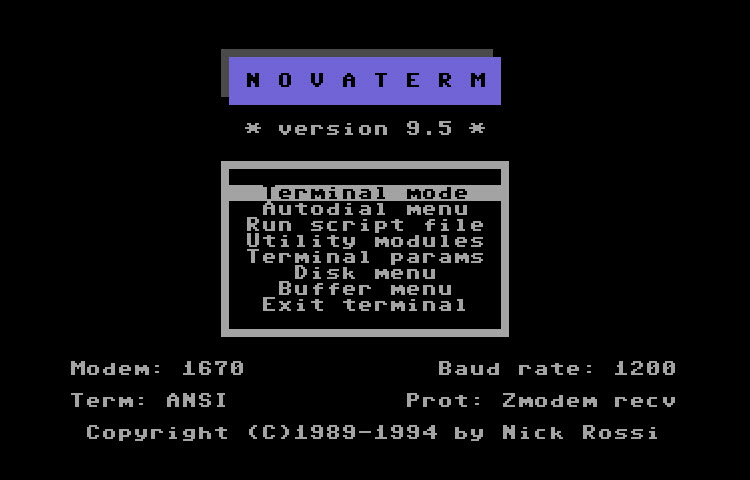
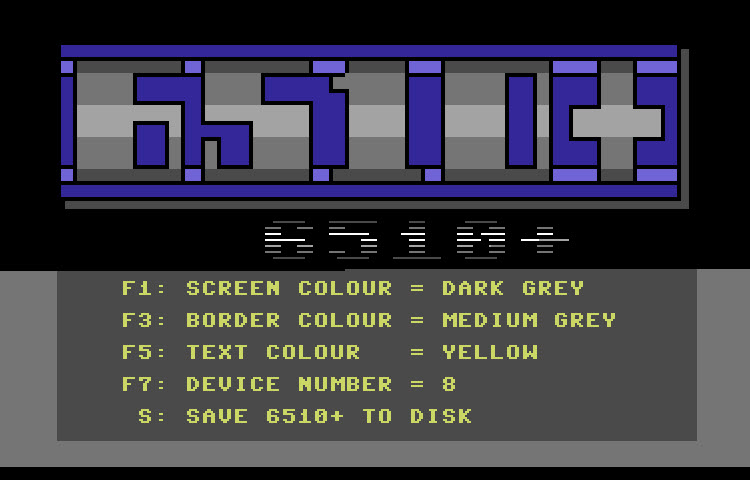
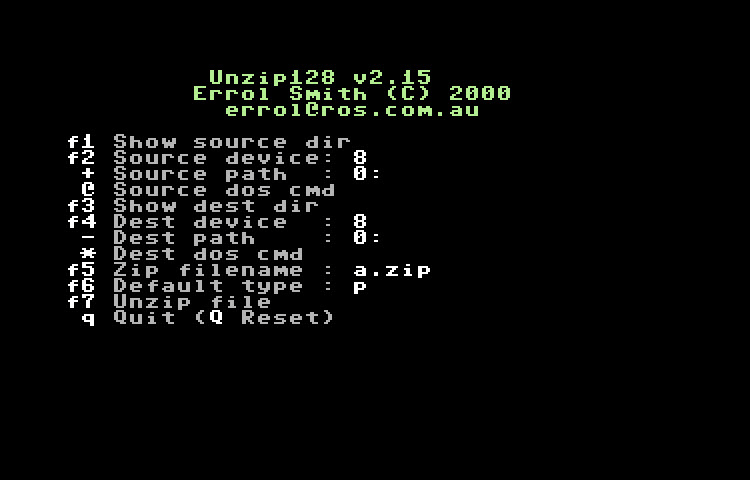
The Commodore 64 was hugely popular; many tens of thousands of programs have been written for it. But its current state of affairs is sadly lacking.
For tasks that are common and should be easy to handle, there either:
- isn't any software to do it, or
- you can't find the software that exists, or
- the software doesn't support modern hardware, or
- the software is actively harmful when run on modern hardware.
The software that does work, if you can find it, provides wildly inconsistent user experiences. Some programs:
- have no user interface, or
- have a simple menu in BASIC, or
- have bouncing sprites and flashing borders, or
- have thumping SID tunes, making them half demo and half utility, or
- crash instantly on an NTSC machine because they expect PAL and couldn't be bothered to check and bail cleanly.
The amount of reduplication of effort and the inconsistency of experience, from one tool that's zany to another that's flamboyant, can be shocking to the sensibilities of a modern user.
What is the point of C64 OS?
A computer is only as powerful as the software that is available for it. Greg Nacu, C64OS.com, 2022
The point of C64 OS is to be a platform upon which a new generation of useful and common tools can be written that enable you to do more with a Commodore 64. The goal is to raise the bar on the expectation of software quality. It's to help you find that software and then to use it with more confidence.
And also to be a searchable respository of a library of new software that works more consistently, more reliably, and with good support for modern hardware. The added bonus: if a developer takes advantage of C64 OS technologies, it is much easier to write that software in the first place.

Here's an example of this philosophy. There is no standard way for a C64 program to indicate who wrote it, when it was written, what version it is, or very often what it's even called. Consequently, every program tries to squeeze some of this information into its user interface here or there. In C64 OS, an Application is a bundle. Within the bundle there must be found a structured about.t file. The About This App Utility, shown above, is a standard way for the user to view this information about any App.
You don't like the layout or appearence of the About This App Utility? You wish it would give you additional information such as the size of the whole bundle on disk, or an option to clear the recents for this App? Make a backup of the original and write a new version to take its place with the same name. Now every Application can benefit from its enhanced features. Offer your improved Utility to the rest of the C64 OS community.
If you still don't see the point of C64 OS, that's fine. C64 OS is opinionated software, but it's not making a normative claim about how an enthusiast ought to enjoy their Commodore 64.
However, if you see the Commodore 64 as a general computing platform, if you feel that—despite its nostalgic and quirky nature—you'd also like to be able to do more with your C64, then C64 OS was made for you. Its mission is to bring the C64 a unified environment that lets you do powerful things in a straightforward way.
Is C64 OS complete? Was version 1.0 what it's all about?
The journey of C64 OS will never be complete. Just like macOS is never complete. Just like Windows is never complete. Just like Linux is never complete. Version 1.0 of C64 OS was a usable foundation of a new platform designed, primed and ready to build a new generation Commodore 64 productivity and lifestyle software that can take advantage of and empower new hardware innovations.
The development cutoff for version 1.0 was the point at which it would provide useful value. It consisted of a suite of Utilities and a few tentpole Applications, (plus all of the necessary plumbing and underlying technologies to make these work,) so that ordinary users could buy version 1.0 and immediately put it to use on common and important tasks that are difficult to accomplish without C64 OS.
Version 1.0 was just the beginning. Since the release of version 1.0 there have been 9 point releases. These have added new Utilities, Applications, drivers and libraries, and introduced major new architectural capabilities such as Fast App Switching and Networking.
C64 OS provides an environment that maximizes one Application's ability to profit from and to improve other Applications. With each new Application and Utility, C64 OS continues to become more powerful and more useful. The more powerful and useful it is, the more people will use it, which will spur the development of more C64 OS software in a virtuous cycle.


With minimal development effort, a new C64 OS Application can acquire many amenities such as:
- a fast and customizable menu system
- cut, copy and paste to a universal clipboard
- device independence through drivers
- data type loaders
- recursive file management tasks through jobs handed off to Utilities
- standardized network sockets
- fast app switching via REU, and
- libraries of common code that can be shared by multiple Applications.
Such libraries already exist for calendar, date and time functions, for path and file reference manipulation, for reading directories from any device, sorting lists, text processing, math functions, and playing SIDs. And more continue to be added with every new release.
Next Chapter: Appendices
- Palo Alto Research Center. Whence Apple famously bought and paid for a license to use the technology in their own OS. Counter to the narrative that they stole the technology, a myth amplified by the film, Pirates of Silicon Valley. [↩]
- See Chapter 4. User Interface → Fast App Switching and Chapter 7. Utilities → Stand-alone Utilities → Switcher for more information about how C64 OS handles task switching. [↩]
- The C64 also includes a BASIC ROM, this was a common practice on 8-bit computers because most of them didn't ship with a built-in storage device. BASIC made these machines usable without any additional software. [↩]
- See: Chapter 8: File System → Speed and Compatibility for more information about JiffyDOS and C64 OS. [↩]
Table of Contents
This document is subject to revision updates.
Last modified: Jul 21, 2026